


Bridging from Ethereum to BNB Chain is one of the most common cross-chain operations for users who want lower fees and faster execution.
Ethereum offers unmatched decentralization and liquidity, while BNB Chain provides high throughput and a cost-efficient EVM environment.
This route is often used for cheaper swaps, yield farming, NFT activities and onboarding into BNB native DeFi.
You can always verify network activity on public resources such as BscScan and CoinGecko.
To begin bridging, you may open the Defiway Bridge homepage or go directly to the Ethereum to BNB flow in the interface.
What Assets You Can Bridge
Ethereum supports ERC-20 assets. BNB Chain supports BEP-20 tokens.
Defiway automatically converts assets between standards so they remain compatible.
Most commonly bridged tokens include:
- ETH (wrapped to WETH on BNB Chain)
- USDT (ERC-20 to BEP-20)
- USDC (ERC-20 to BEP-20)
- BNB (if transferring wrapped BNB from Ethereum)
- WBTC, LINK, DAI and other major ERC-20 assets
All bridged tokens arrive as native BEP-20 equivalents on BNB Chain and remain fully usable in all BNB-based DeFi applications.
Requirements Before Bridging
- A wallet connected to Ethereum with sufficient ETH for gas fees
- Defiway Wallet for the most seamless experience or Other Wallets such as MetaMask, Rabby, OKX Wallet or Frame
- A receiving wallet on BNB Chain that supports BEP-20 tokens
- Native BNB is required to perform transactions on BNB Chain
- If your BNB Chain wallet has zero BNB, use Add Some Gas to automatically receive enough native BNB for your first transaction fees
Step by Step: How to Bridge Ethereum to BNB Chain
-
Open the Defiway Bridge interface.
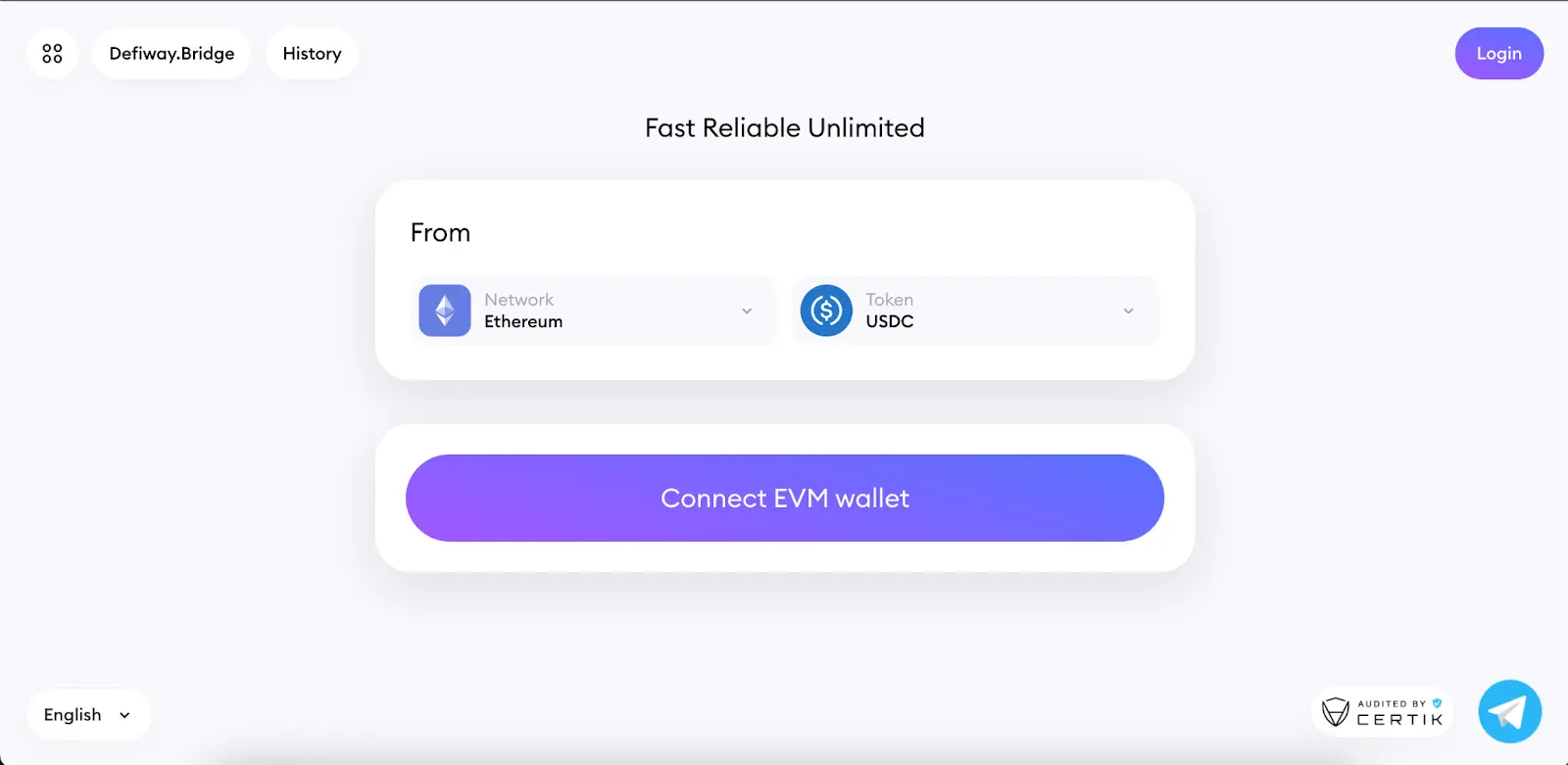
-
Click Connect Wallet. Choose Defiway Wallet or Other Wallets.
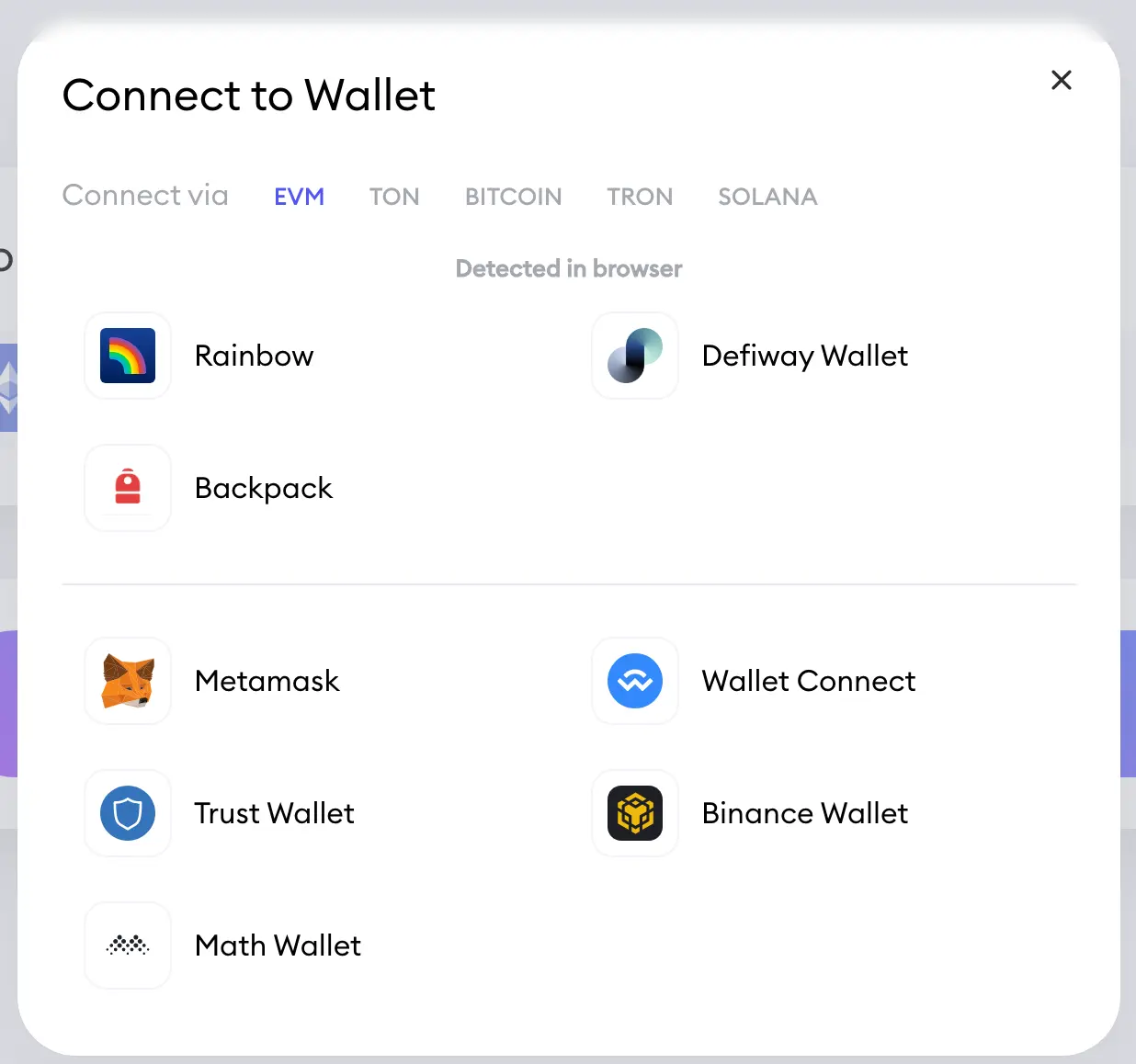
-
Set Ethereum as the source network.
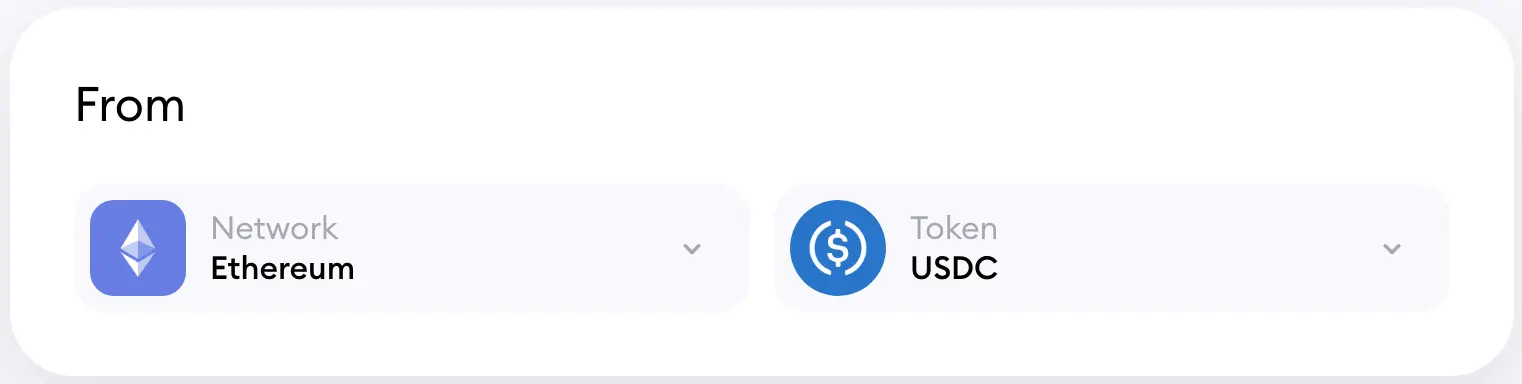
-
Set BNB Chain as the destination network.
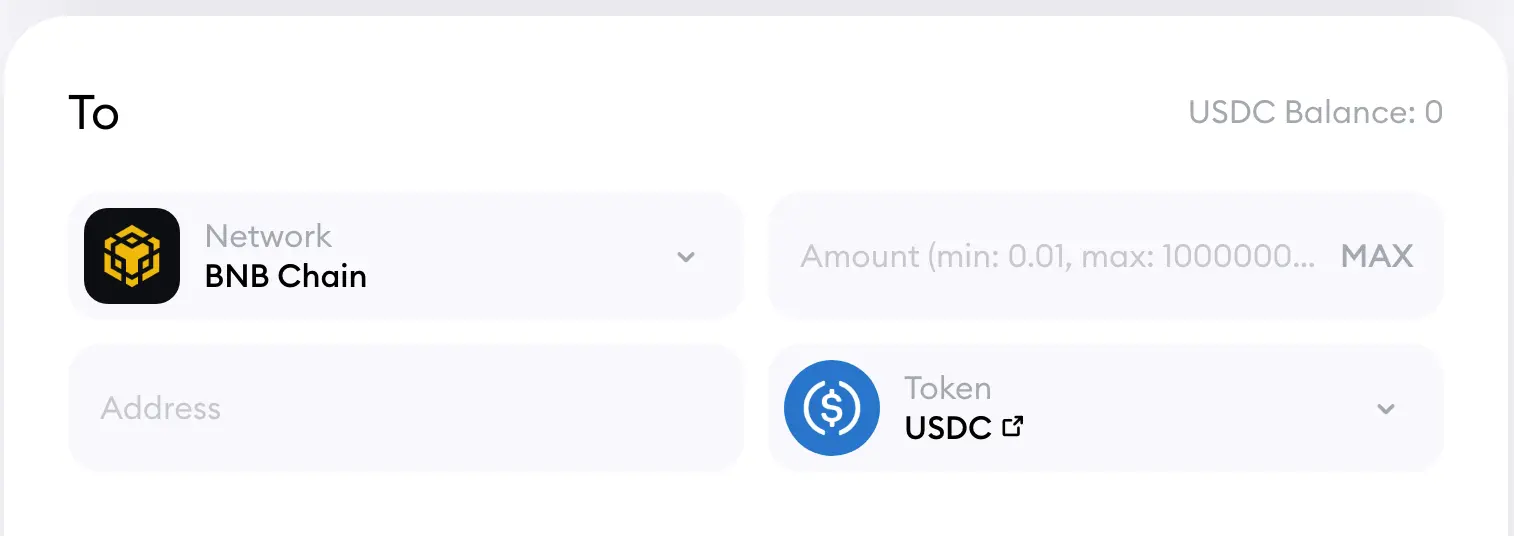
-
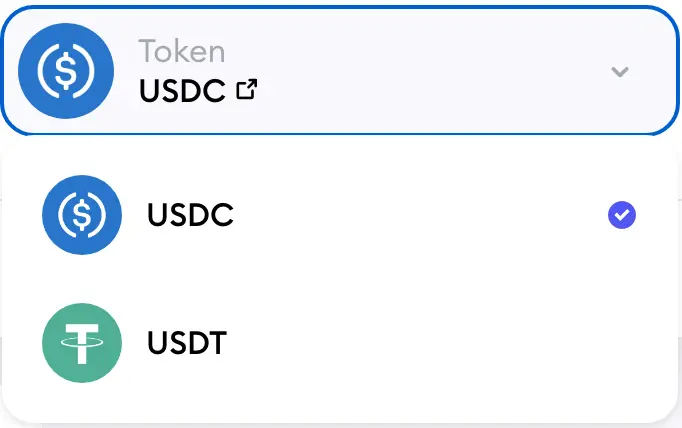
Choose the token you want to bridge.
-
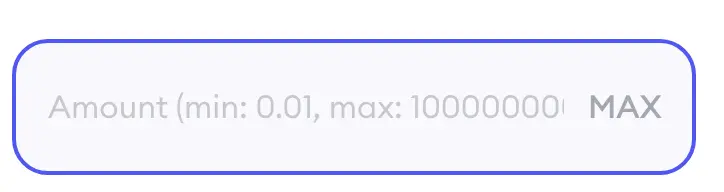
Enter the desired amount.
-
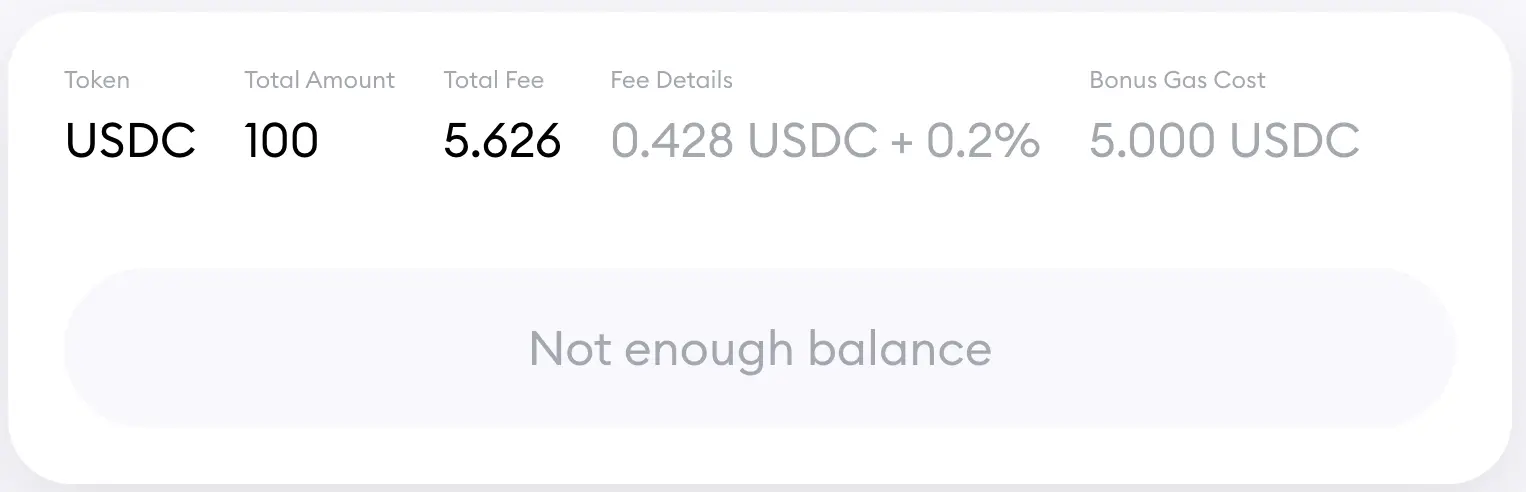
Review the estimated gas fee and minimum transfer requirements.
-
If the destination wallet has no BNB, tap Add Some Gas to receive a small amount of native BNB.

-
Press Bridge.
- Confirm the transaction inside your wallet.
- Wait for your Ethereum transaction to be confirmed on chain.
- The Defiway Bridge will detect your confirmation and execute the corresponding mint on BNB Chain.
- Open your wallet on BNB Chain and verify that the BEP-20 token has arrived.
Fees and Transaction Time
- Ethereum gas fees vary depending on network load
- BNB Chain fees are low and usually remain stable
- Bridging typically takes from a few seconds to several minutes depending on Ethereum confirmation speed
- Higher congestion on Ethereum may extend processing time while BNB Chain remains fast
Troubleshooting
- If your transaction is stuck pending, adjust the gas price on Ethereum
- If the bridge rejects a token, verify that it is supported for cross-chain transfers
- If you have no BNB for gas after bridging, use Add Some Gas
- If tokens do not appear, refresh the wallet or manually add the BEP-20 contract
- Failed Ethereum transactions do not move assets and funds remain safe in your wallet
Conclusion
Moving assets from Ethereum to BNB Chain is a reliable way to gain access to cheaper swaps and rapid execution while staying within the EVM ecosystem.
With Defiway you can bridge quickly and securely using Defiway Wallet or Other Wallets and rely on the Add Some Gas feature to ensure you always have native tokens available on the destination network.
For additional guidance, these videos will help you use our bridge more effectively
How To Bridge USD1 from Ethereum to BNB Chain and back | USDT/USDC, Tron, Solana, Arbitrum | Defiway
How To Bridge SOLANA to/from Arbitrum, BNB, Ethereum, BTC, Tron, TON etc | DEFIWAY Bridge
How To Bridge SOLANA to/from Arbitrum, BNB, Ethereum, BTC, Tron, TON etc | DEFIWAY Bridge
How To Bridge USDT/USDC across Ethereum, TRON, Arbitrum, BNB, Solana, TON, Polygon, Linea | DEFIWAY