


Bridging from Ethereum to Solana is one of the fastest ways to move assets from a heavyweight EVM ecosystem into a high-speed, low-fee environment.
Ethereum is the most secure and liquid smart contract network, while Solana provides exceptional scalability and near-instant confirmation times.
Whether you want cheaper swaps, faster execution, or access to Solana-based DeFi and NFT ecosystems, cross-chain transfers help you move funds where they work best.
For additional background, you can check public resources such as CoinMarketCap and DeFiLlama, which track network liquidity and usage.
To start bridging, you can use the Defiway Bridge homepage or navigate directly to the Ethereum to Solana flow inside the bridge interface.
What Assets You Can Bridge
Ethereum supports a wide range of ERC-20 tokens.
Solana, however, only supports SPL tokens, which means any asset bridged from Ethereum will be wrapped or transformed into its Solana SPL equivalent.
Most commonly bridged assets include:
- ETH (native Ether becomes wrapped ETH on Solana)
- USDT (ERC-20)
- USDC (ERC-20)
- WBTC (ERC-20 wrapped BTC)
- LINK, UNI and other popular ERC-20 tokens depending on availability
Solana only supports tokens following the SPL standard, so the Defiway Bridge automatically converts incoming ERC-20 assets into compatible wrapped versions.
Requirements Before Bridging
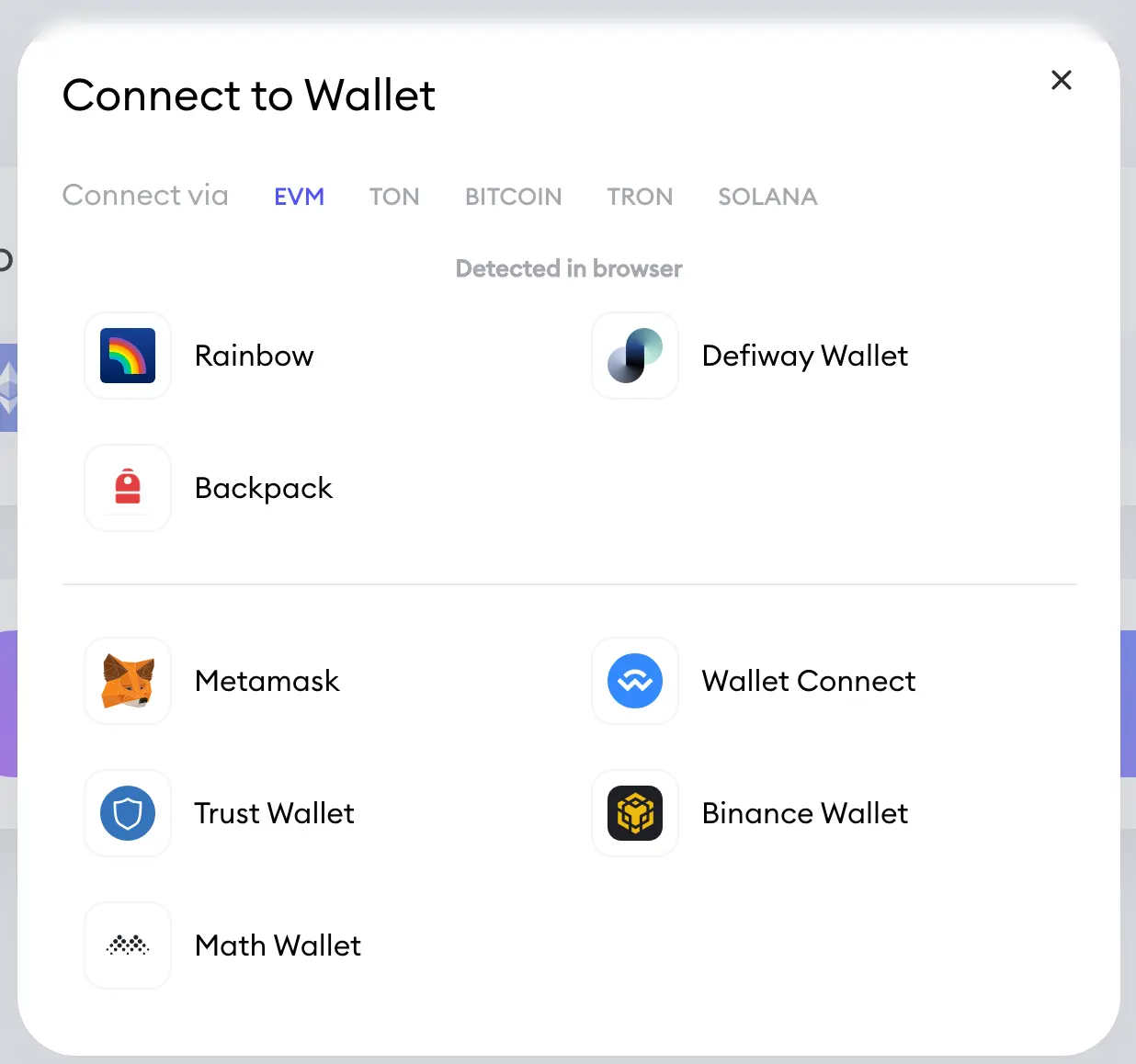
- A supported wallet connected to Ethereum. Defiway Wallet is recommended for the smoothest experience and optimized signing
- Alternatively, you can connect via Other Wallets such as MetaMask, Rabby, OKX Wallet or Frame
- Sufficient ETH balance to cover gas fees on the Ethereum network
- A Solana wallet to receive SPL tokens, such as Phantom or Solflare
- If your Solana wallet has zero SOL, use the Defiway function Add Some Gas.
It automatically sends a small amount of native SOL to your address so you can pay your first transaction fees on Solana
Step by Step: How to Bridge Ethereum to Solana
-
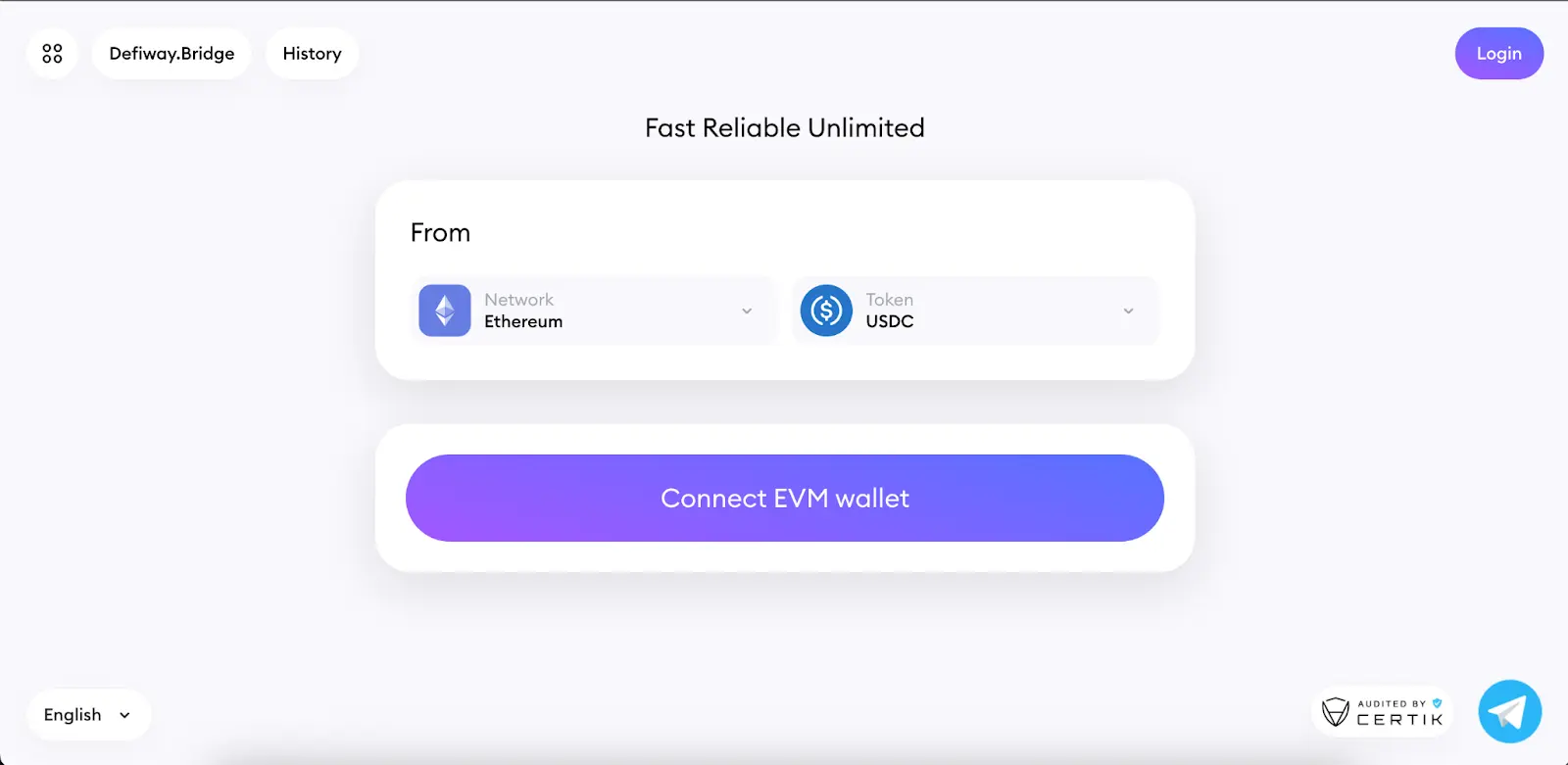
Open the Defiway Bridge interface.
-
Click Connect Wallet and choose Defiway Wallet or Other Wallets.
-
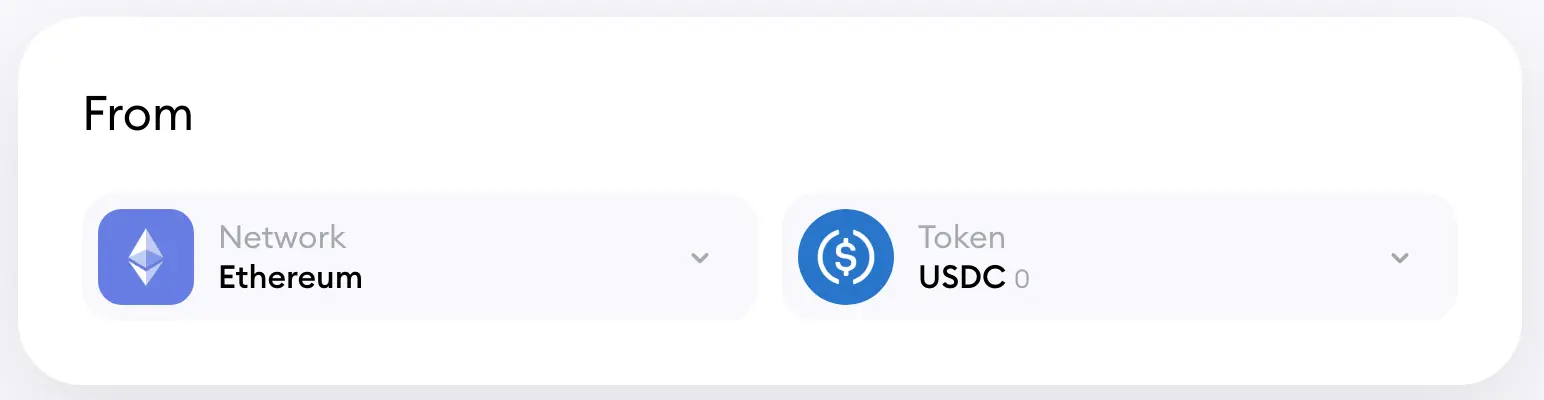
Select Ethereum as your source network.
-
Select Solana as your destination network.

-
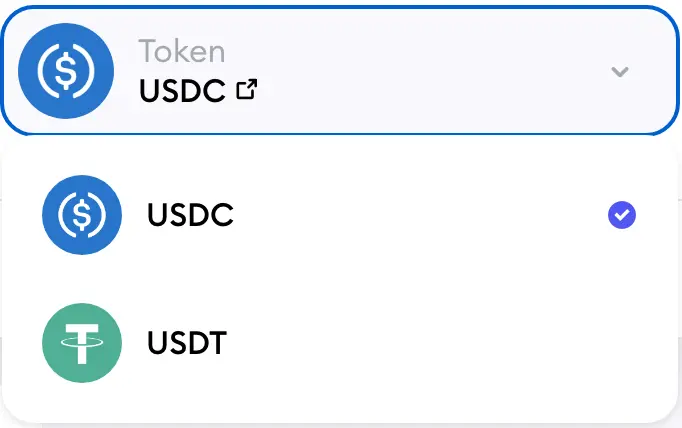
Choose the token you want to transfer.
-
Enter the transfer amount.
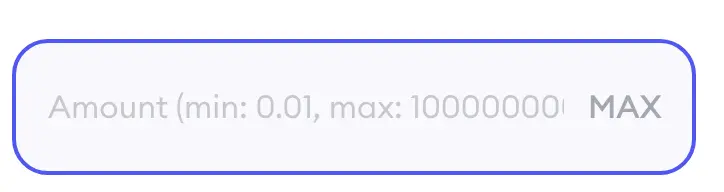
- The system will show an estimated gas cost on Ethereum and the minimum amount required for execution.
- If you do not currently have SOL on the destination address, press Add Some Gas to receive enough native SOL to operate after the transfer.
-
Click Bridge.
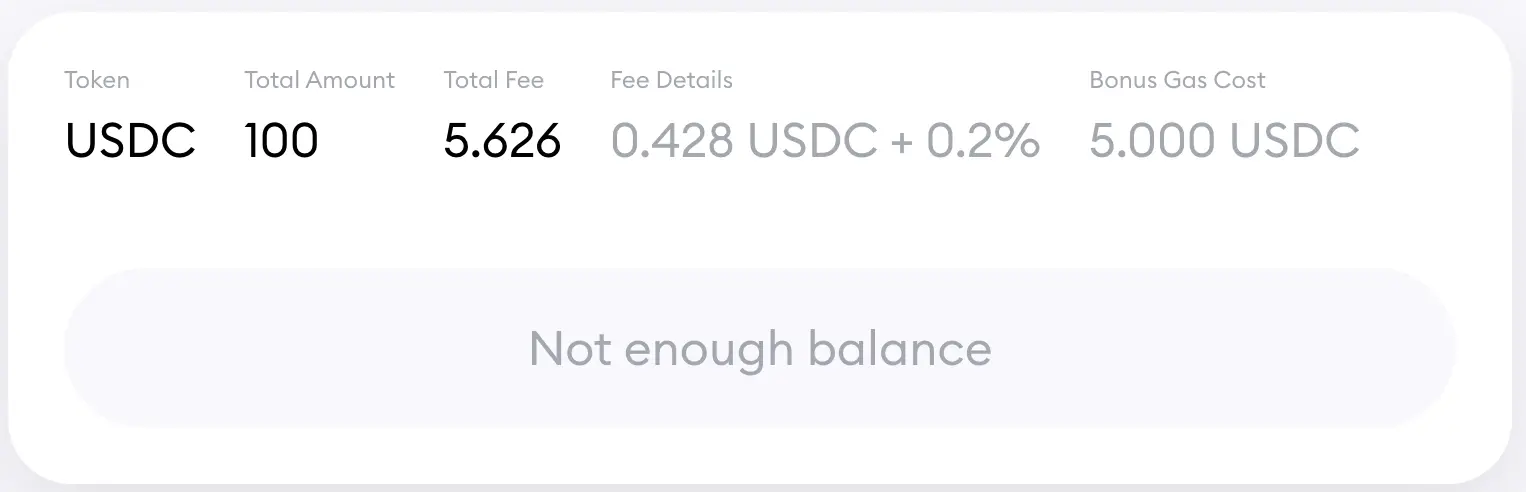
- Confirm the transaction in your wallet.
- Wait for your Ethereum transaction to be included in a block.
- The Defiway Bridge will automatically verify your transaction and perform the corresponding mint on Solana.
- Open your Solana wallet and confirm that the SPL token balance has arrived.
Fees and Transaction Time
- Ethereum network fees vary depending on market activity. On average bridging costs range from medium to high compared to SOL fees
- Solana fees are extremely low and typically stay near zero
- Bridge execution time usually ranges from 20 seconds to several minutes depending on Ethereum block confirmation speed
- Heavier congestion on Ethereum may extend processing, while Solana remains consistently fast
Troubleshooting
- If your transaction is pending, check Ethereum gas settings. Increasing gas price often helps
- If the bridge shows an error, verify that the token you selected is supported for cross-chain transfers
- If you have insufficient SOL for post-transfer operations, use Add Some Gas
- If funds do not appear on Solana, refresh your wallet or add the SPL token manually
- In case of a failed Ethereum transaction, the assets never leave your wallet
Conclusion
Moving assets from Ethereum to Solana expands your flexibility across different ecosystems and allows you to take advantage of Solana’s performance for trading, NFTs and DeFi.
Defiway makes this process direct and simple with fast execution, compatibility with multiple wallets and the Add Some Gas feature that ensures your destination wallet always has enough native tokens to operate.
For additional guidance, these videos will help you use our bridge more effectively
How To Bridge USD1 from Ethereum to BNB Chain and back | USDT/USDC, Tron, Solana, Arbitrum | Defiway
How To Bridge SOLANA to/from Arbitrum, BNB, Ethereum, BTC, Tron, TON etc | DEFIWAY Bridge
How To Bridge SOLANA to/from Arbitrum, BNB, Ethereum, BTC, Tron, TON etc | DEFIWAY Bridge
How To Bridge USDT/USDC across Ethereum, TRON, Arbitrum, BNB, Solana, TON, Polygon, Linea. | DEFIWAY